
 English
Page support
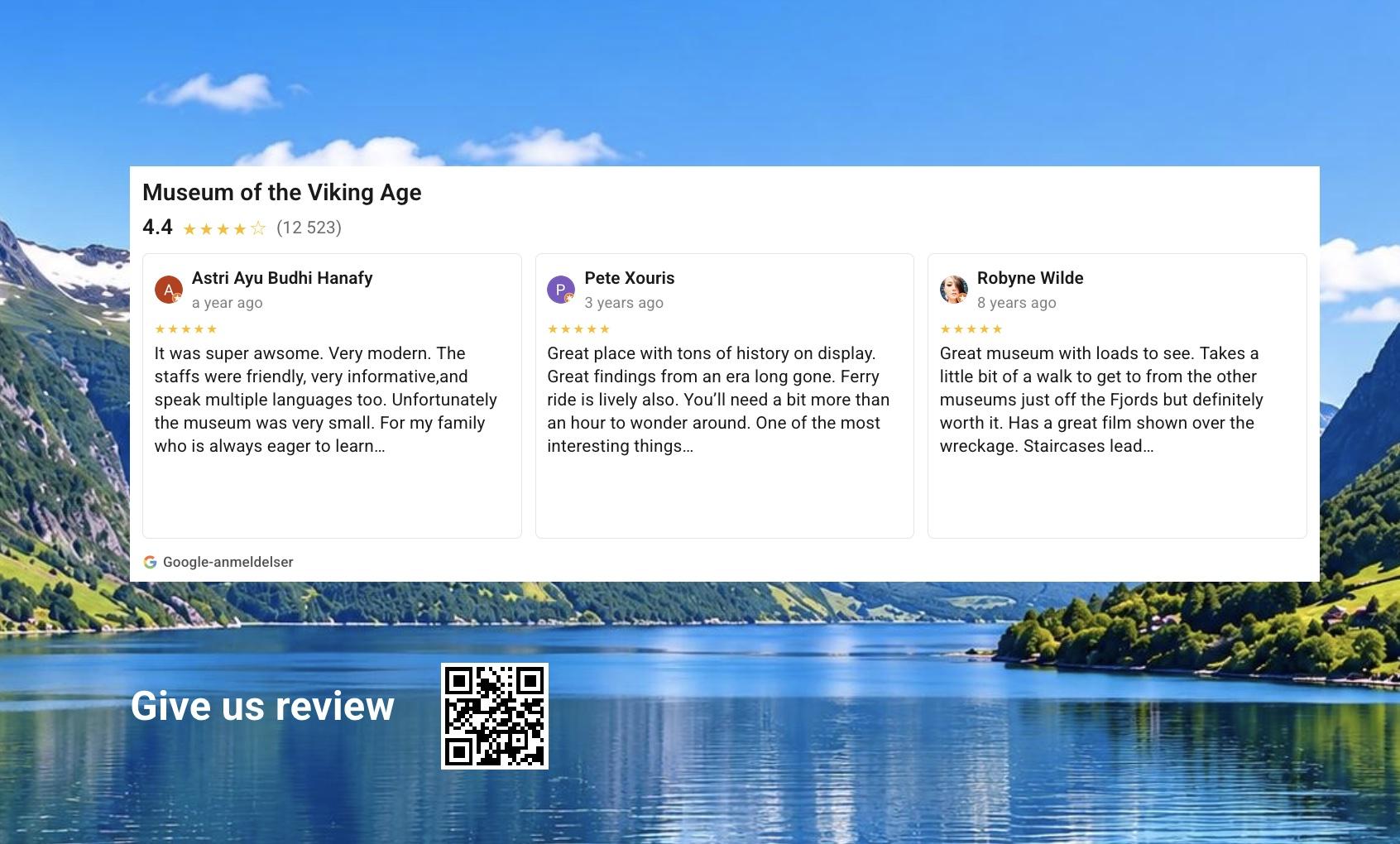
Design a slide without generating an image.
Pages bring full canvas design into slide. Build a screen-ready layout once, save it as reusable content, and drop it into any playlist like a slide.
Why Pages?
There are several scenarios:
- Add text and other image above image
- Add widget with dynamic data (eg. Google reviews) above image
- Have a count down above campaign image
- A "sub" slides inside a slide
A Page is a fixed-size canvas you design with the same grid editor you already know from displays. It lives in the content library, so you can reuse it across playlists and locations without starting from scratch.
Think of it as: a designed slide you own, not a one-off screen setup.
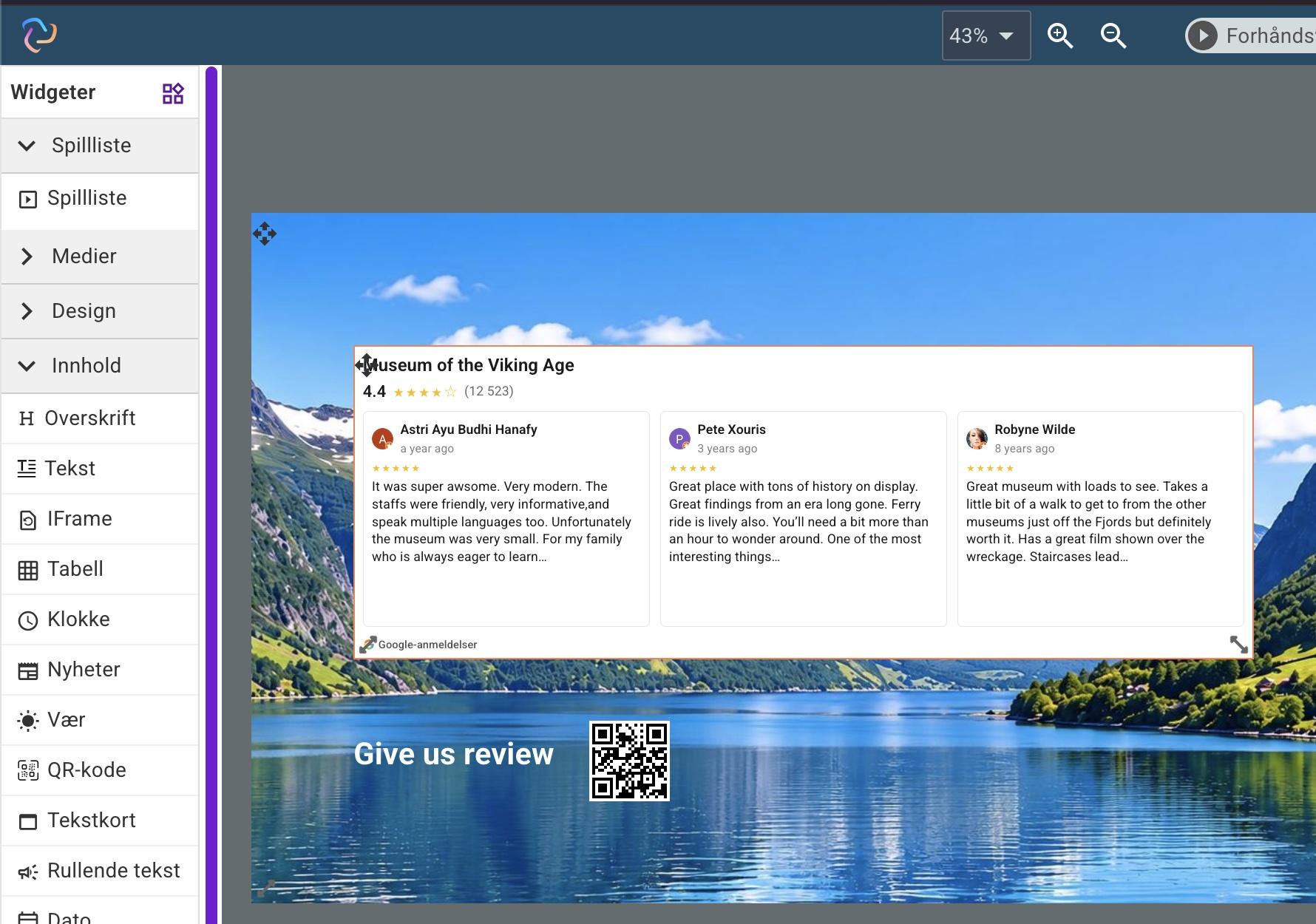
Design like a display
Open a Page and you get a full-screen editor: drag widgets onto a grid, resize, nest containers, and arrange content exactly where it should appear. Background color and background image (cover, contain, fill, or custom) give you control over look and brand.
Play it in a playlist
Add the Page to a playlist like any other library item. On screen it scales to fit the available area while keeping its aspect ratio, so your layout stays sharp and correctly framed.
Reuse and update
Because Pages live in the content library, one update can feed every playlist that uses that Page — ideal for seasonal campaigns, lobby boards, meeting-room templates, or a branded “default” slide.
Updated: 2026-10-22 15:20