
 English
Display variable - one display, different setting on screen
2026-11-09 19:05
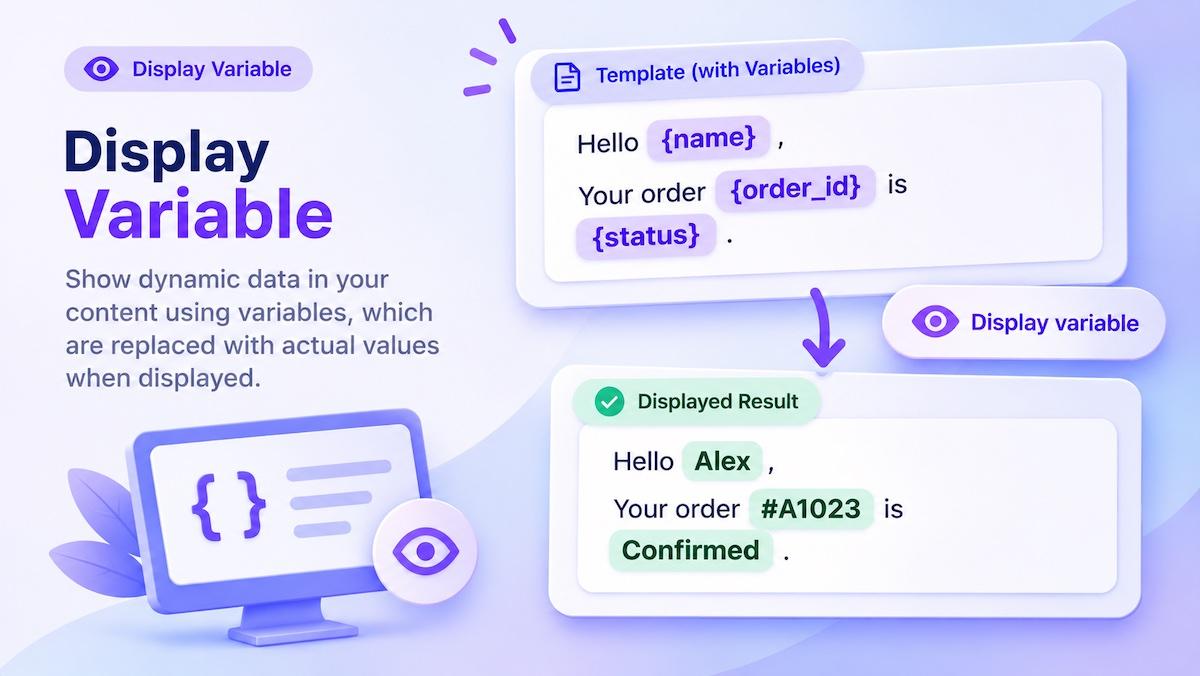
One display, a different text/setting on each screen.
Scenarios
If you have one display, but want to show slightly different content in different screens - display variable is the feature which can help. eg.
- You want show weather based on the screen location
- You want to show Welcome to New York where "New York" is L. A. if the screen is in L. A
- You have a Google Reviews to show, but in New York branch you want to New York's and in L. A.'s you want to L. A.'s branch.
Display variable
Display variable is a feature we introduced recently. You can define a variable which can used anywhere in the display's content, then in easy screen you can override it on the screen.
Example
Below is a short demo using location type, where you define CURRENT_LOCATION, then in screen you override the location. In this way each screen shows the screen related location's weather.
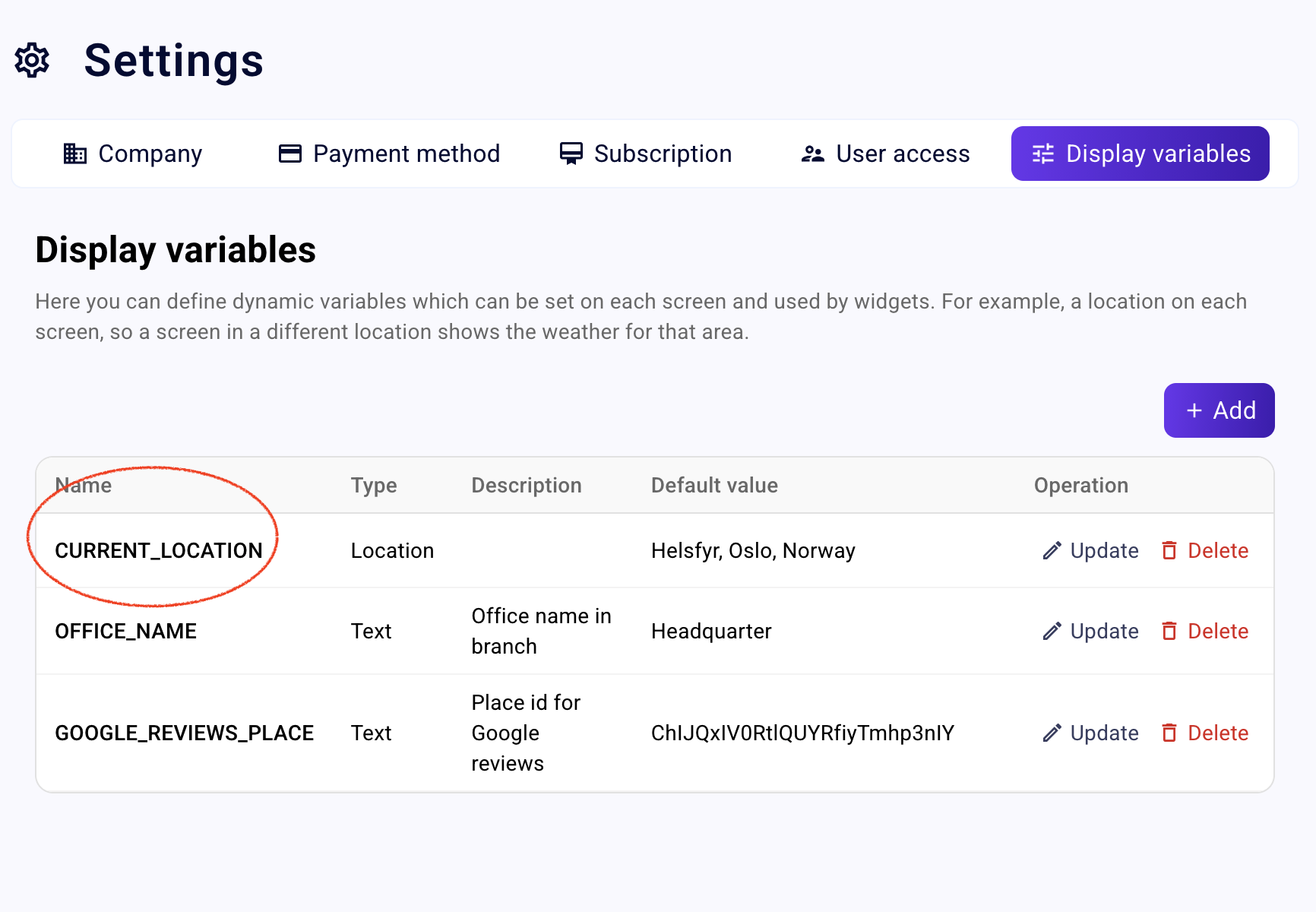
Add a CURRENT_LOCATION with type Location
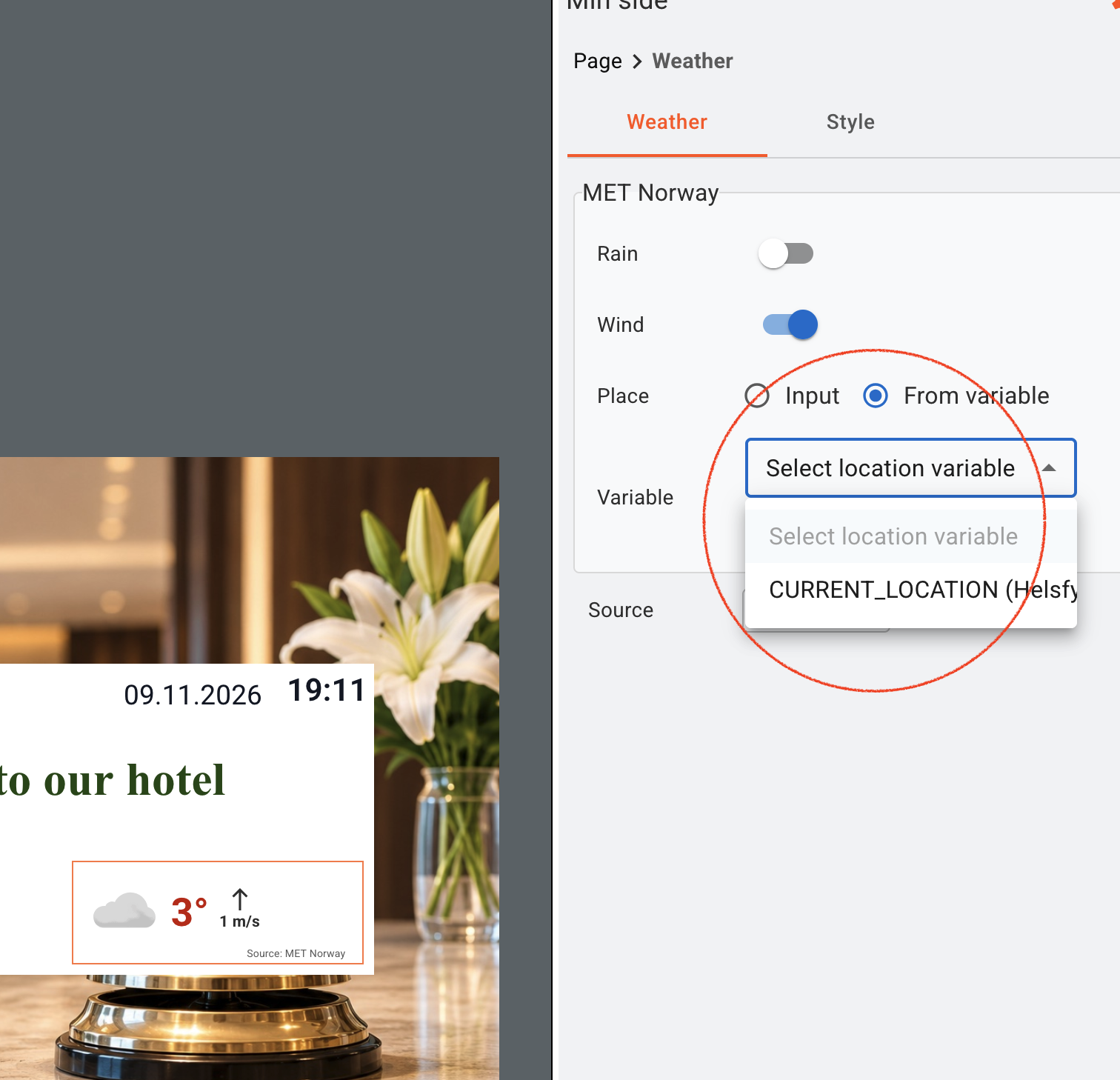
In Weather widget, use CURRENT_LOCATION variable
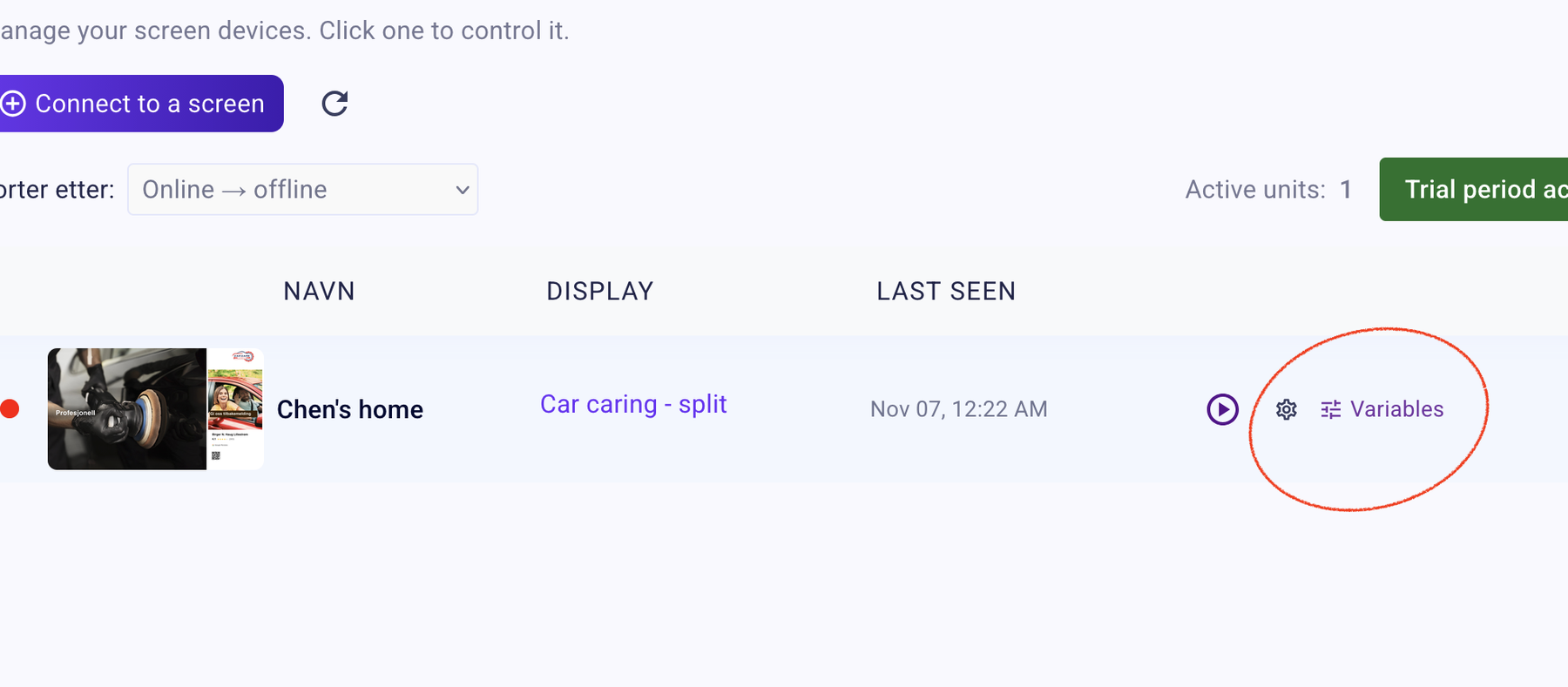
In screen list, set variables
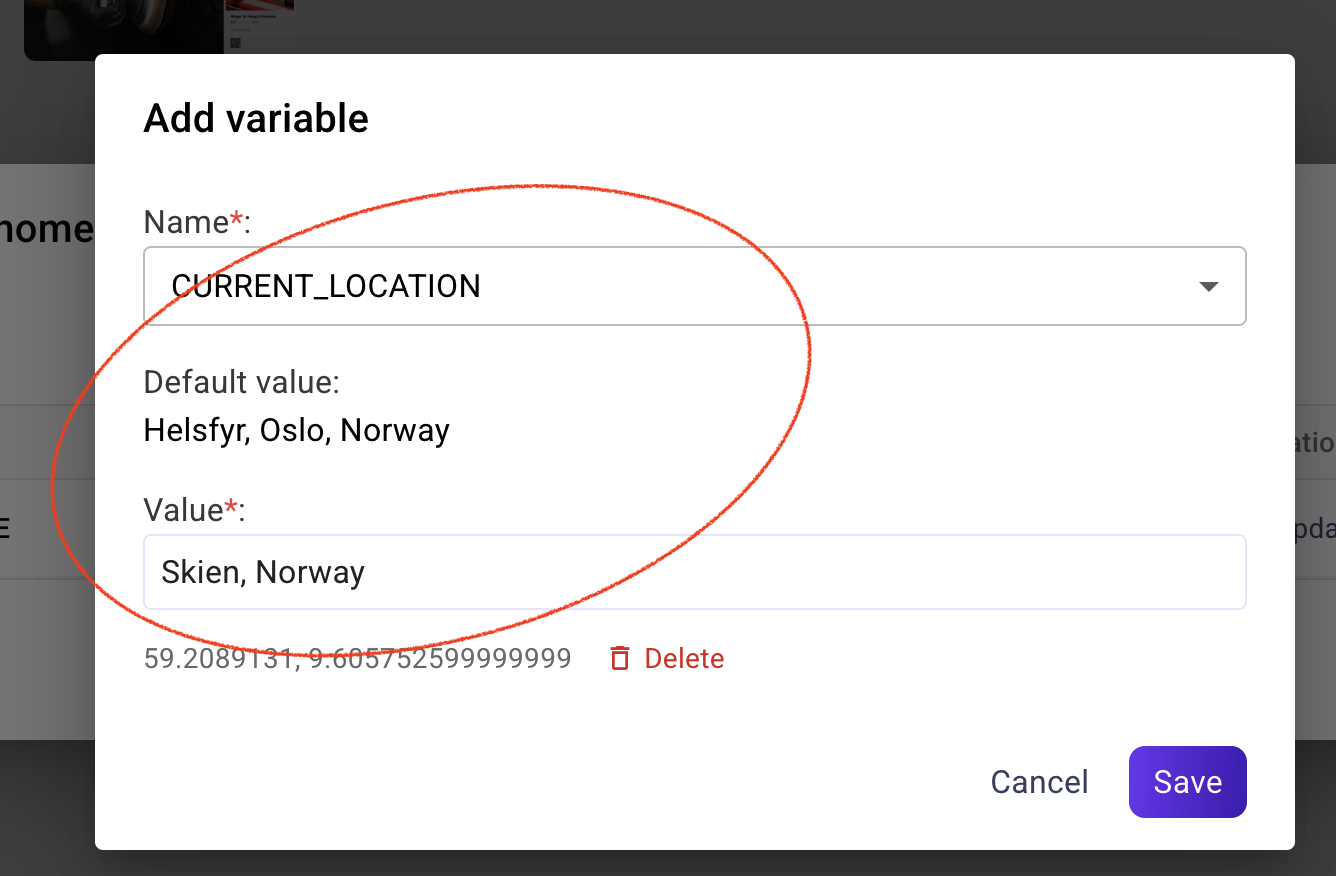
Add CURRENT_LOCATION with local value
Text replacement
If you define a text/number variable. eg. COMPANY_NAME, then you can use {COMPANY_NAME} almost everywhere to as text:
- heading
- text
- Google Reviews place ID (use {PLACE_ID} in the Google Reviews)
Updated: 2026-11-09 21:15