
 English
Countdown widget - Tick counter
2026-11-09 20:30

Set your count down in campaign page? Now there is a widget for it.
There is a widget called Tick counter in our widget store, so you create your own count down from https://www.tickcounter.com/ then embed to Digimaker display.
1. Create a counter
Go to https://www.tickcounter.com/ and create the counter. You can set target time, color, font, etc there.
2.Set created tickcounter id to Tick Counter widget
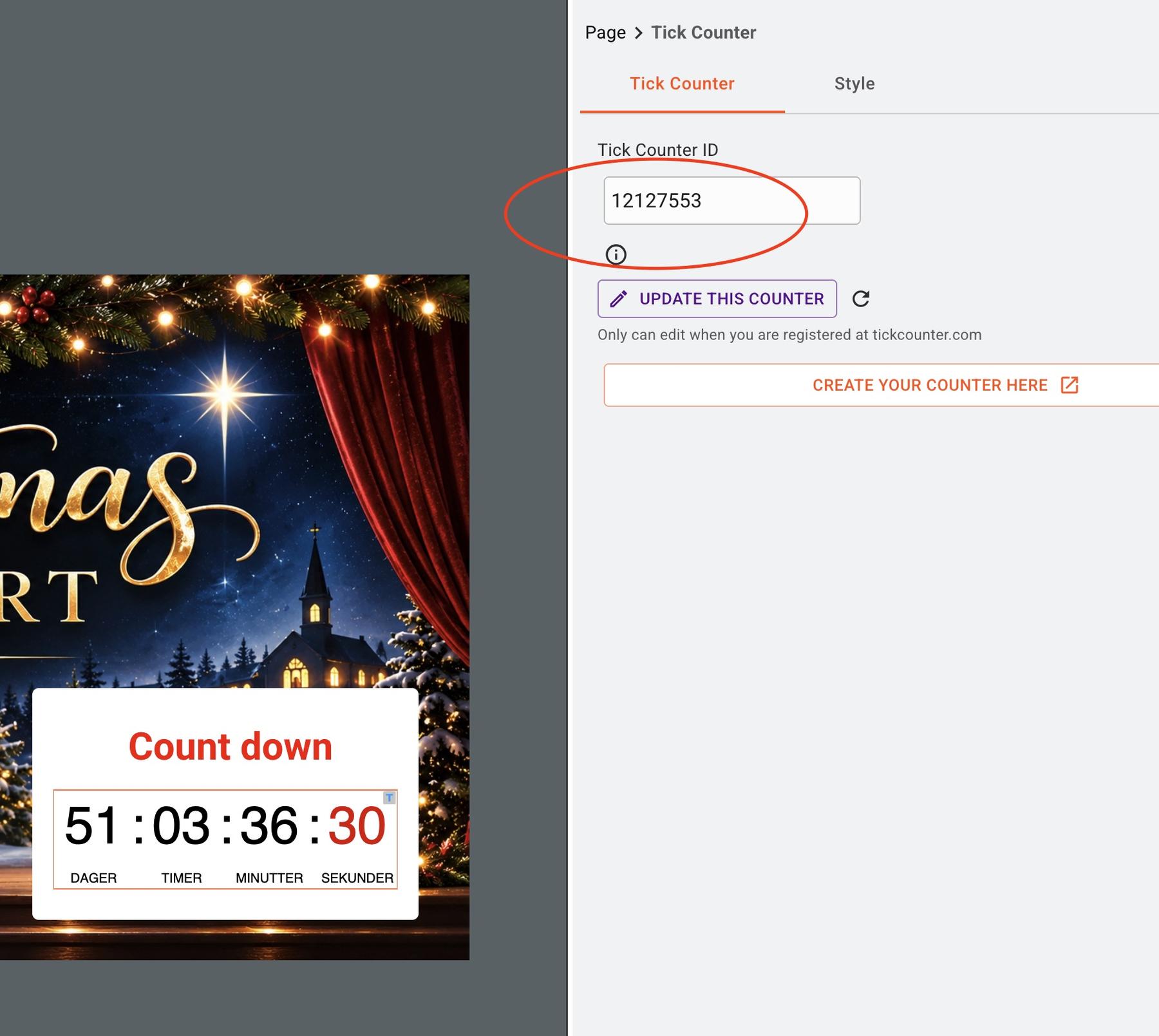
Drag & Drop Tick Counter into design and change Tick Counter ID
Note:
1. You need to register an account if you want to be able to edit it (eg. deadline, color, etc).
2. It has a small icon on top right, using paid version will not have it.
Updated: 2026-11-09 20:36